Best USB Flash Drives for Fast, Reliable Storage

A USB flash drive is the simplest storage there is, yet most people buy slow ones without knowing it. The difference between a USB 2.0 drive and a USB 3.2 drive is a transfer that takes minutes instead of an hour.
Read and write speed is everything
Check both read and write speeds, because they're very different. A drive might read at 200 MB/s but write at 20 MB/s, which means copying files onto it crawls. For regular use, look for at least 150 MB/s read and 60 MB/s write.
USB 2.0 drives top out around 30 MB/s. USB 3.2 drives run 5 to 10 times faster. If you move video or large files, USB 3.2 is not optional — it's the difference between usable and frustrating.
What to look for
- USB 3.2 or newer interface
- A stated write speed, not just capacity
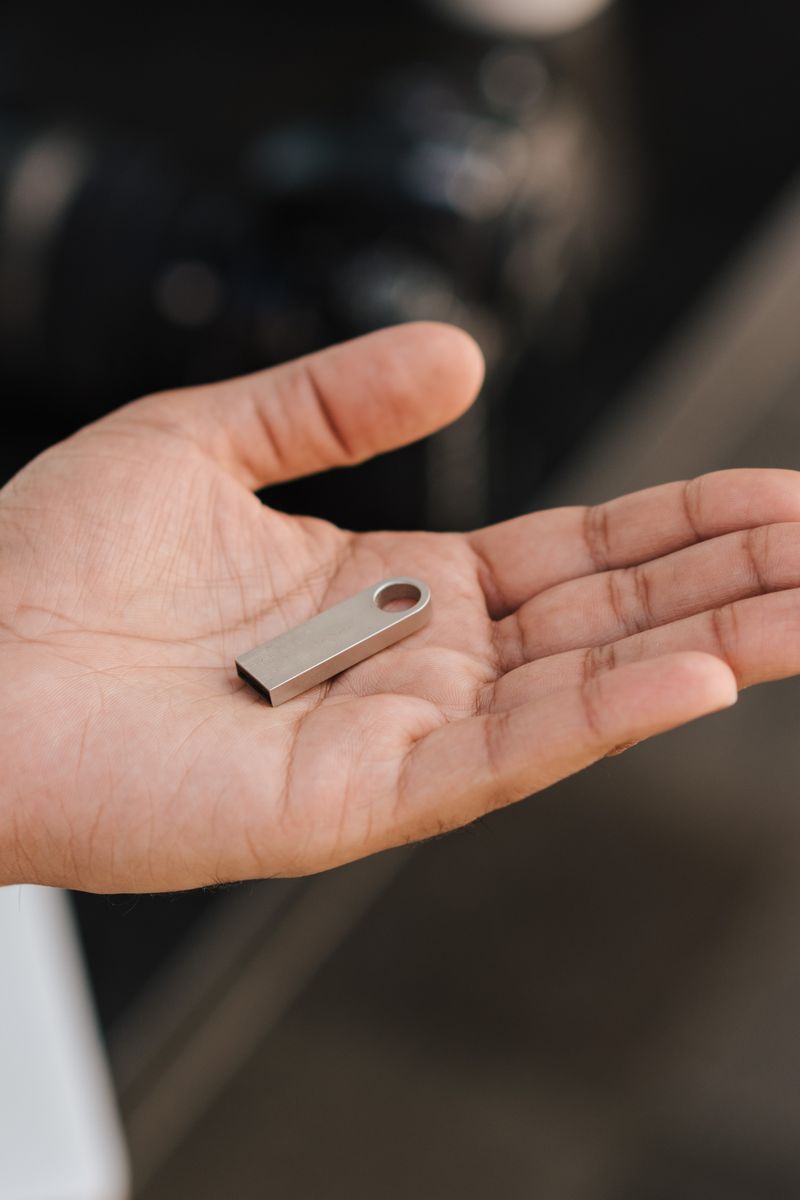
- A metal or rugged body if it lives on a keychain
- USB-A or USB-C to match your devices, or a dual-connector drive
Dual-connector drives with both USB-A and USB-C are worth it if you move files between a computer and a phone or tablet. They're slightly bulkier but far more flexible.
Capacity
For documents and photos, 64GB is plenty. For video or backups, get 128GB or 256GB. The sweet spot on price is usually 128GB, where the cost per gigabyte is best.
Buy one fast 128GB USB 3.2 drive instead of three cheap 32GB USB 2.0 ones. The speed difference is worth the small premium every time.