Best Wireless Mice for Work and Gaming
Wireless mice used to mean lag and dead batteries. Modern wireless mice are indistinguishable from wired for response, and the best ones last months on a single charge. Here's how to choose for work or gaming.
Shape beats specs
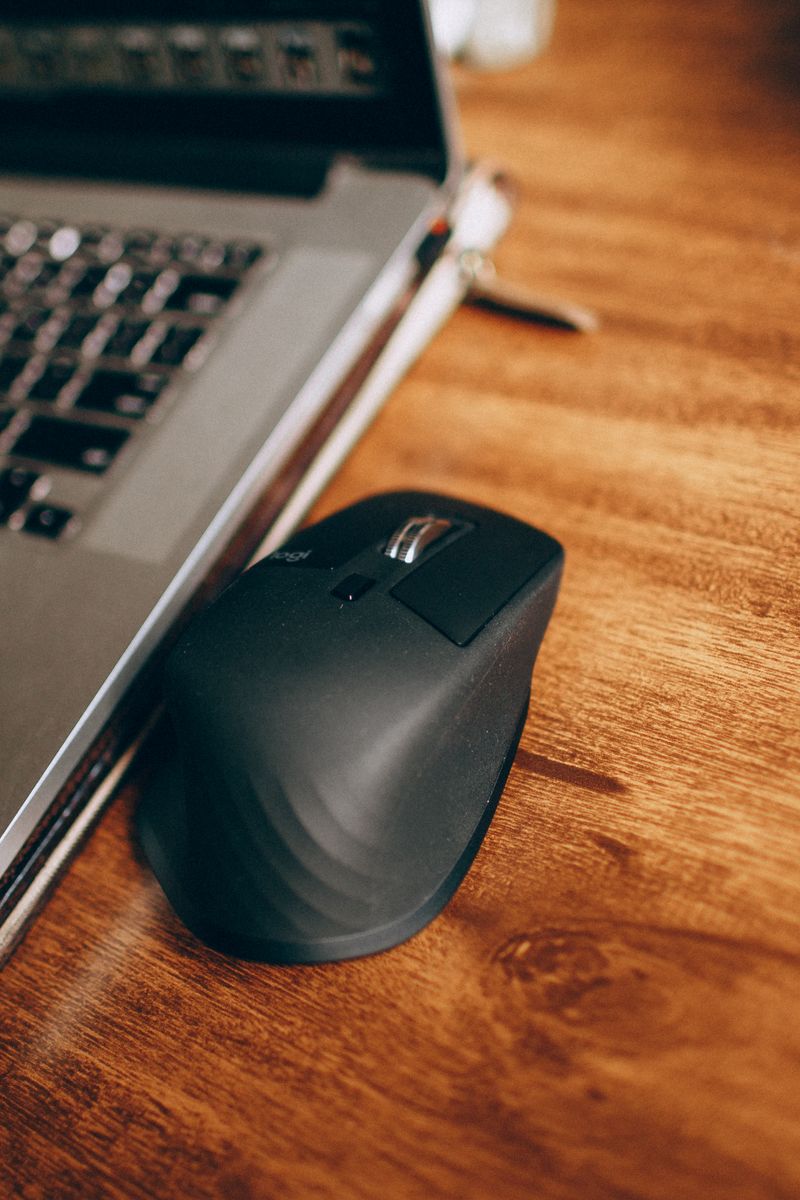
The most important spec is one you can't read on a box: whether the shape fits your hand. A mouse that's too small causes claw cramps; too large causes wrist strain. If you can, try a shape in a store, or buy from a brand with easy returns.
Grip style matters too — palm, claw, or fingertip — and different shapes suit each. As a rule, a medium-sized, gently curved mouse suits the widest range of hands and grips.
Sensor and DPI
For office work, any modern sensor is fast enough. DPI, the sensitivity setting, is mostly marketing: most people work best between 800 and 1,600 DPI regardless of what the box advertises.
For gaming, look for a sensor with low input latency and a polling rate of 1,000 Hz or higher. Wireless gaming mice now match wired ones, so there's no competitive reason to stay wired.
Battery type
- Rechargeable: heavier but no battery swaps, usually USB-C now
- AA/AAA: lighter, and a single battery can last a year or more
For a work mouse, a model with a rechargeable battery and Bluetooth plus a 2.4 GHz dongle is the most flexible — use the dongle at a desk and Bluetooth with a laptop on the go.
Spend $40 to $70 on a work mouse and $60 to $120 on a gaming mouse. Below that, sensors and switches get noticeably worse; above that, gains are marginal.