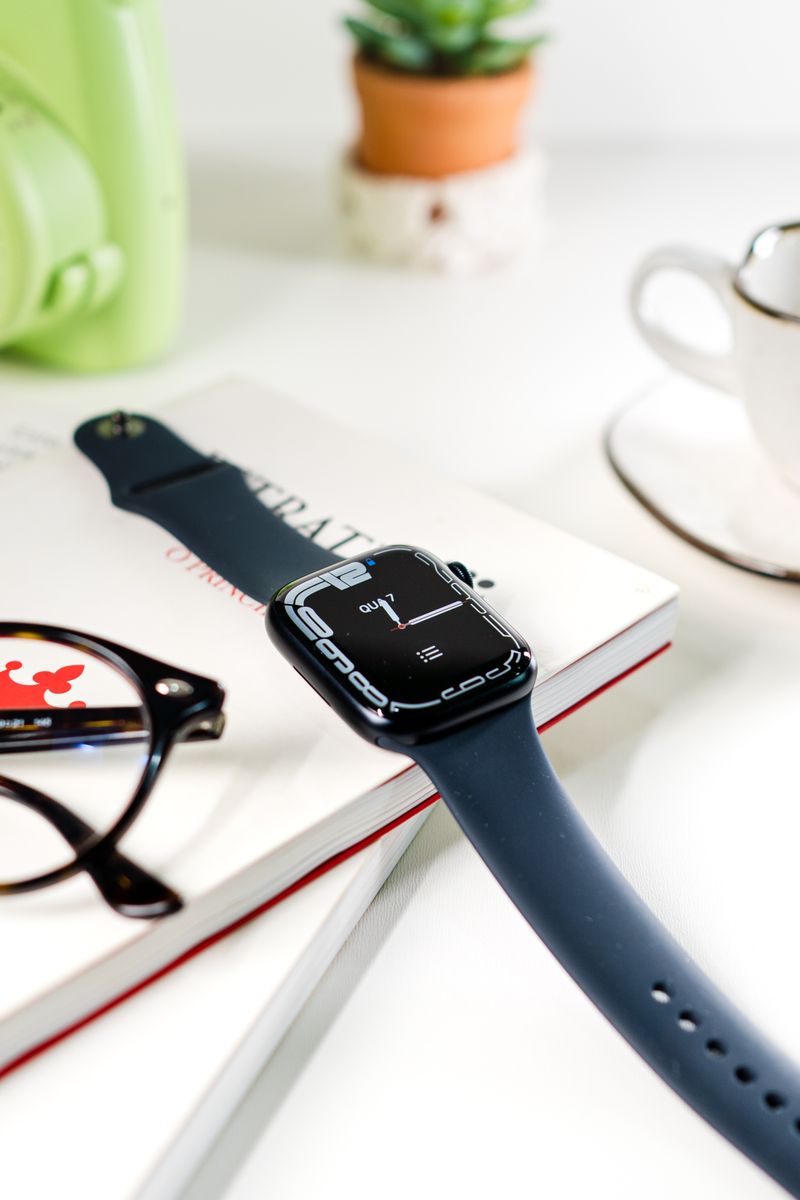
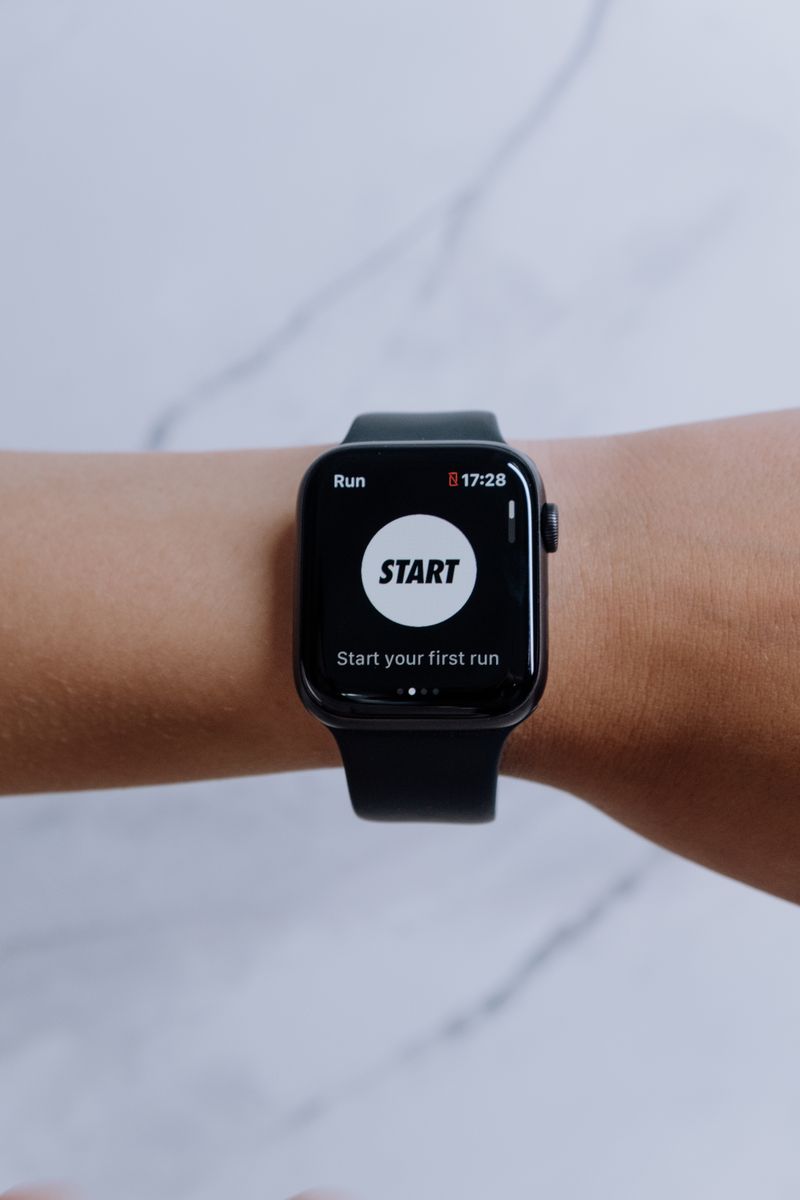
How to Extend Your Smartwatch Battery Life
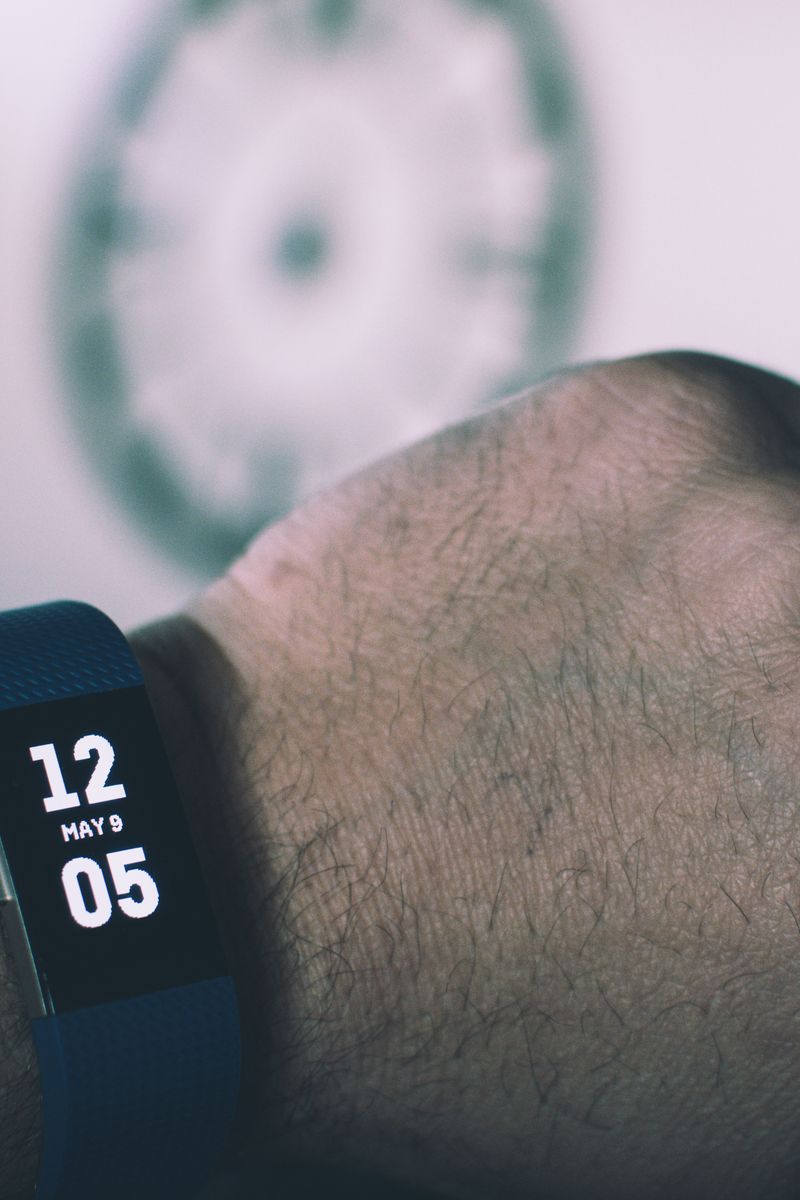
A smartwatch's battery drains fastest from a few features you can turn off without losing much. A handful of settings changes can add a day or more to the battery.
The biggest battery drains
- Always-on display, which keeps the screen lit constantly
- Continuous heart-rate and GPS tracking
- Brightness set too high
- Frequent notifications and vibrations
Settings that help
Turn off the always-on display and rely on raise-to-wake instead. Lower the screen brightness and screen-on timeout. Reduce notification frequency, since every buzz wakes the screen and drains battery.
Disable continuous heart-rate monitoring if you don't need it, and use GPS only during workouts rather than leaving it on. These changes alone often add a full day.
The honest trade-off
Each change trades a feature for battery life. Pick the ones you won't miss. For most people, turning off the always-on display and reducing notifications is the best balance.
Turn off always-on display, lower brightness, and trim notifications. Those three changes are the fastest way to stretch your smartwatch battery.