How to Fix a Double-Clicking Mouse
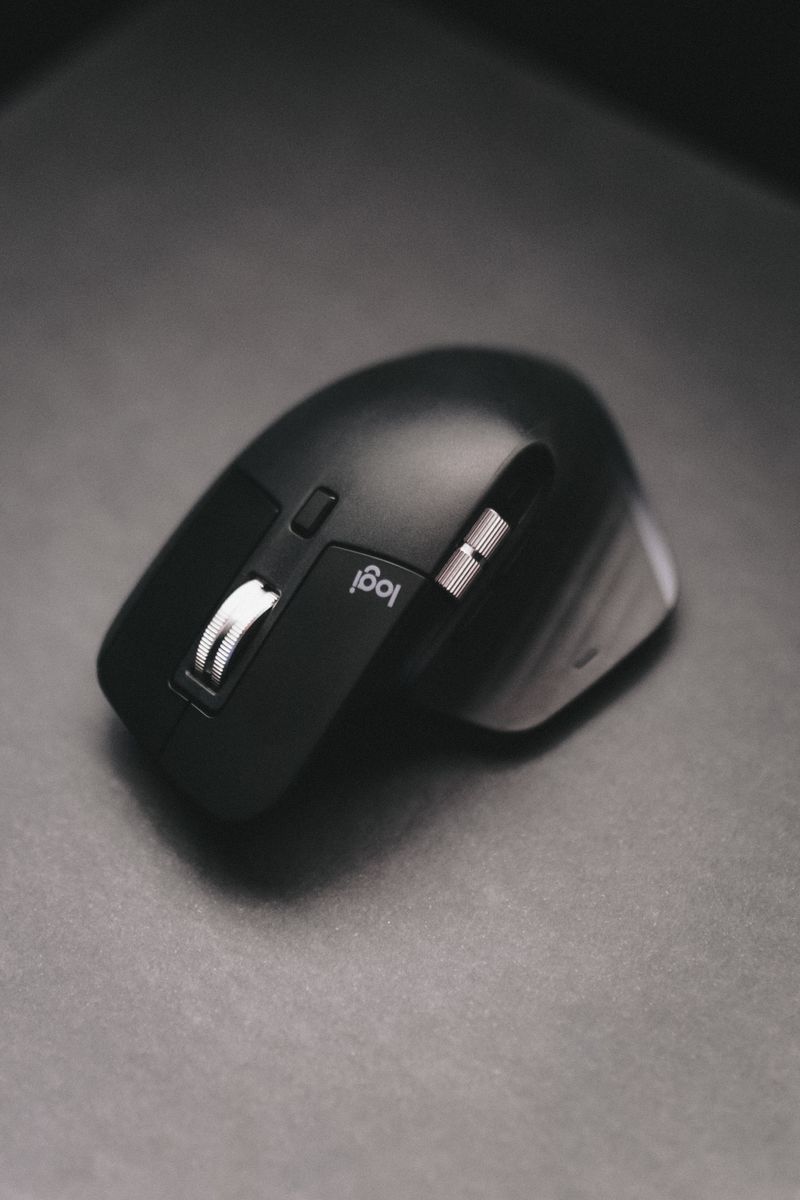
A mouse that registers two clicks when you press once is almost always a worn switch, and it's one of the most common ways a mouse fails. There are a few fixes to try before replacing it.
Confirm it's the switch
Test the mouse on a different computer and try a different mouse on yours. If the double-click follows the mouse, the switch is the problem. If it follows the computer, it's a software or settings issue.
Software fixes to try first
- Check your OS click speed settings
- Update or reinstall the mouse driver
- Try the mouse on another USB port
The hardware reality
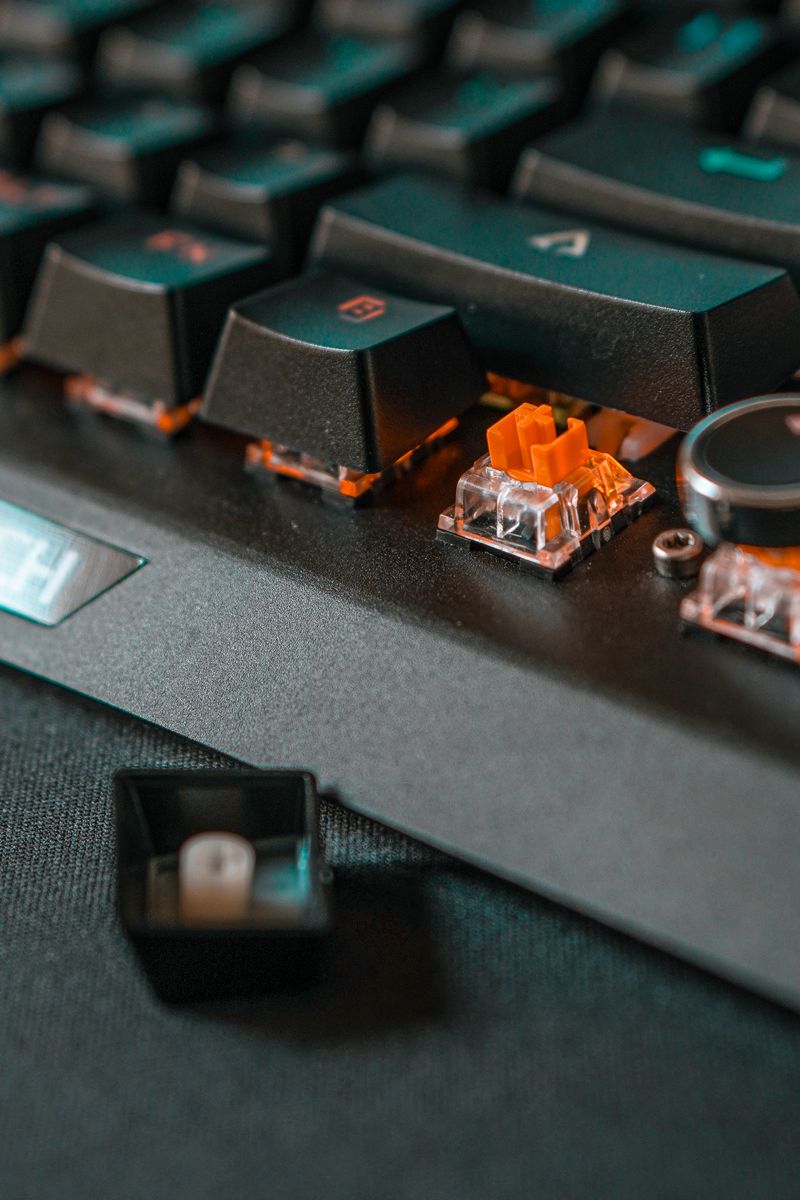
A worn switch usually needs replacing, which requires soldering for most mice. Some mice have replaceable switches, but most don't. For a budget mouse, replacement is cheaper than repair.
If the double-click is intermittent, you can often live with it for a while. But it only gets worse, and once it interferes with selecting and dragging, it's time to buy a new mouse.