One Earbud Not Working? How to Fix It
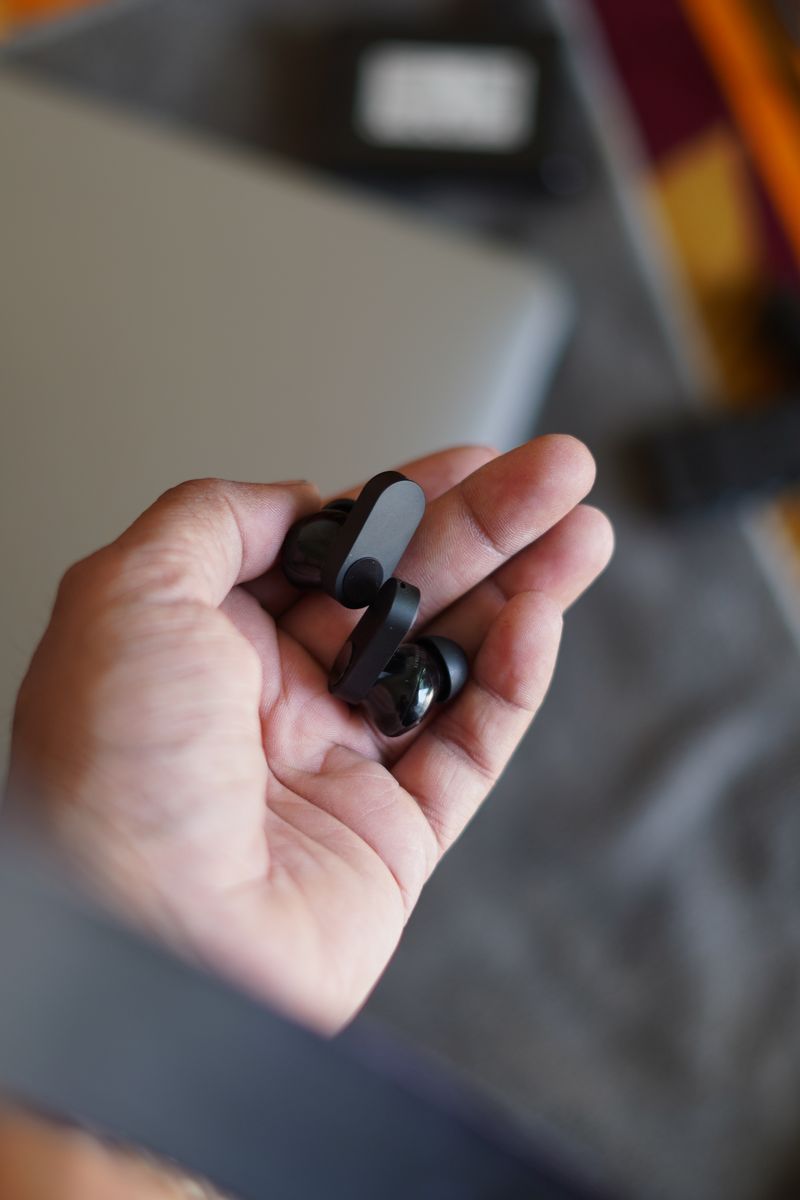
When one earbud goes silent, it is almost always a sync or charging-contact problem, not a dead driver. Re-pair the buds and clean the charging pins before you spend anything on a replacement, because these two steps fix the issue in the large majority of cases and take about five minutes.
Re-pair the buds first
True wireless earbuds pair to your phone through one 'master' bud, and when that link breaks one side goes quiet while the other keeps playing. Put both buds in the case, close the lid, wait ten seconds, then take them out together. If that does not work, forget the buds in your phone's Bluetooth menu and pair them from scratch, which resets the master link on most models.
- Put both buds in the case and close the lid for 10 seconds, then take them out together
- Forget the device in Bluetooth settings and pair again; charge the case for 15 minutes if a bud will not turn on
Clean the charging contacts
A bud that will not power on is usually not charging, and the cause is skin oil and earwax building up on the two metal contacts where the bud meets the case. Wipe the contacts on the bud and inside the case with a dry cotton swab or a soft cloth. If they look tarnished, a tiny dab of isopropyl alcohol on the swab lifts the grime, but let the contacts dry before you drop the bud back in.
If the silent bud charges, pairs, and still produces nothing while the other side works, the driver or battery inside that bud has likely failed. Run a factory reset from the companion app first, since a firmware fault can knock out one side and looks identical to a hardware fault. If the reset changes nothing and the buds are under warranty, file a claim instead of paying for a repair that often costs more than a new pair. And resist poking anything into the speaker grille, because a pin tears the mesh and turns a dirty bud into a permanently quiet one.