How to Fix a Smartwatch That Won't Turn On
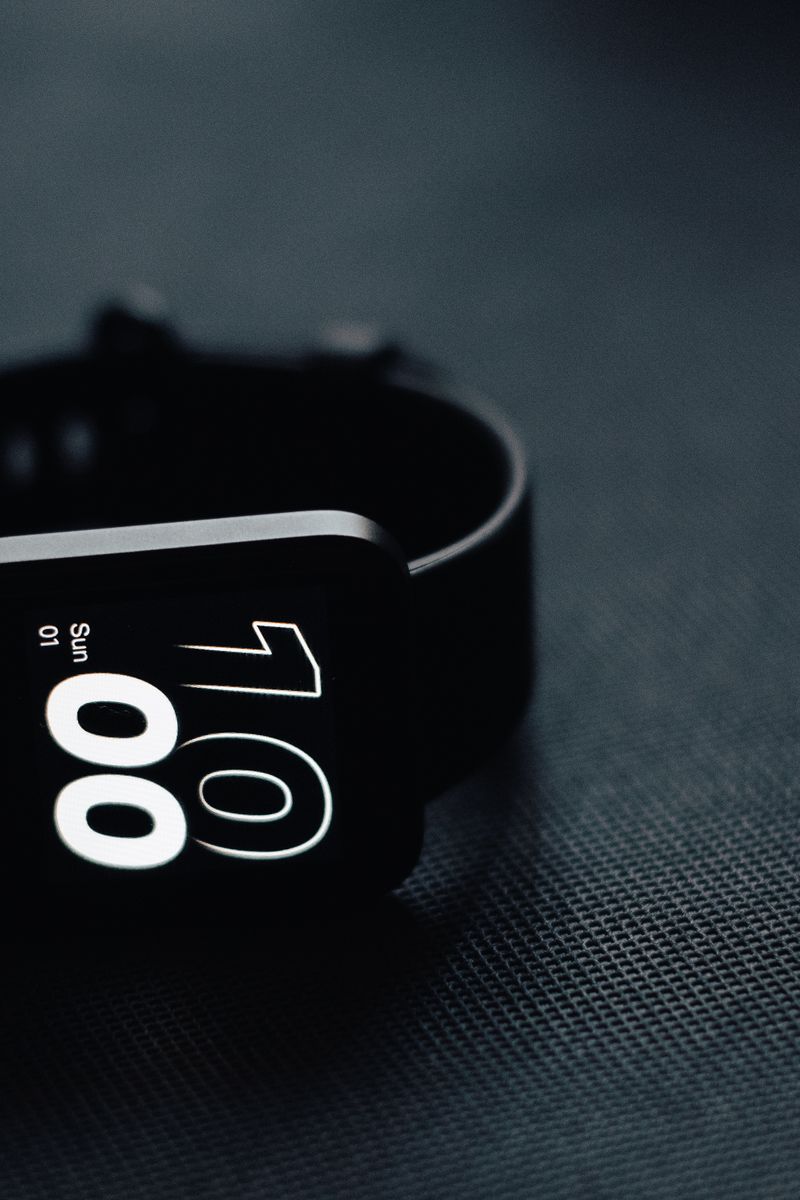
Most smartwatches that refuse to power on are not actually dead. A battery drained below its safe threshold, a stuck boot loop, or oxidized charging contacts cause the majority of no-power cases, and you can fix roughly eight in ten yourself in under 15 minutes. Work through the steps below in order before paying for a repair.
Clean the charging contacts first
Skin oil and dust collect on the back of the watch and on the charging pins, and that thin layer can block enough current that the device never charges even while the dock lights up. Wipe both surfaces with a cotton swab dipped in 70% isopropyl alcohol, let them dry completely, then seat the watch firmly on its charger.
- Leave it plugged in for a full 30 minutes before giving up; a deeply discharged lithium cell wakes slowly, and most smartwatches charge at 5 V and under 1 A
- Try the original cable and brick, or a charger that matches the watch's rated input; an underpowered third-party adapter is a common cause of a silent no-charge
Force a restart
A watch that crashed into a black screen usually responds to a hard reset. Hold the side button (or the side and lower buttons together, depending on the model) for 15 to 30 seconds until the logo flashes. If it boots and then loops back to black, remove the watch from your phone's Bluetooth list and pair it again. A red water-drop or exclamation icon means the moisture sensor tripped, so let the watch dry for a day before retrying. If none of this works and the watch is under two years old, contact the manufacturer instead of opening the case, since most brands cover battery and charging faults under warranty.