Best USB-C Flash Drives for Phones and Laptops
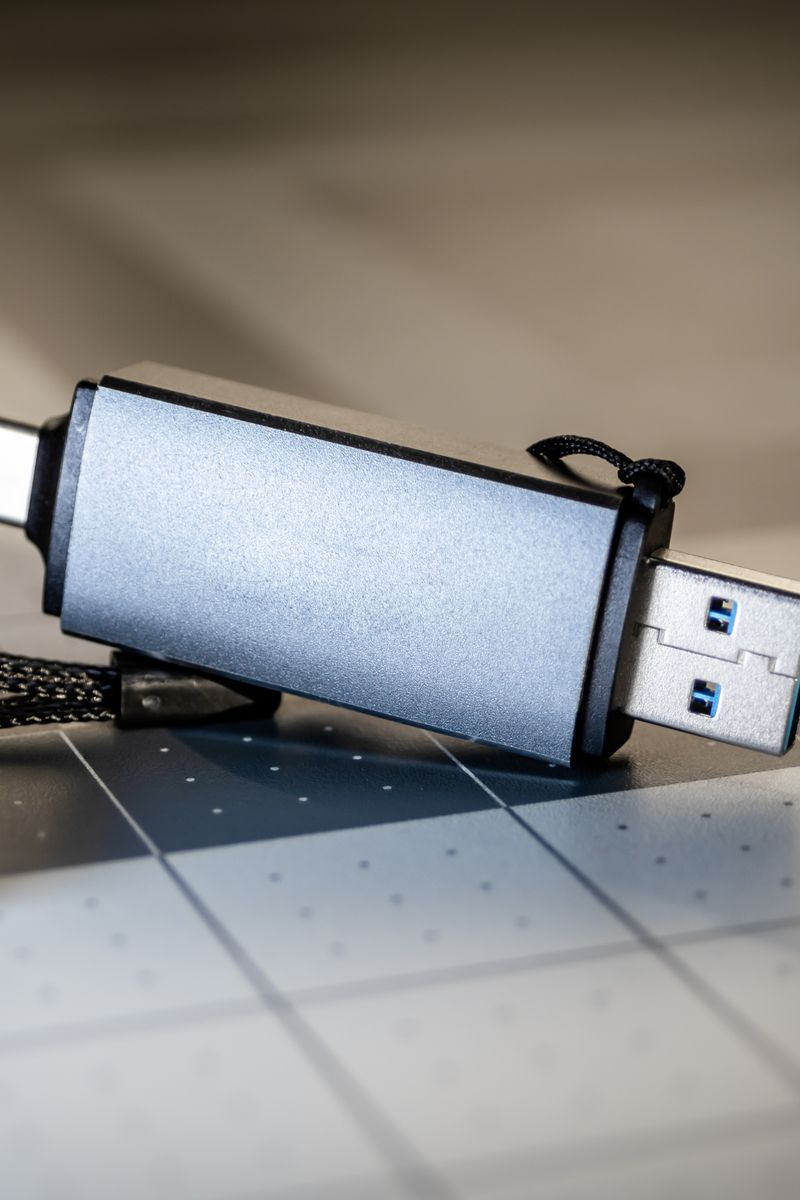
A dual-connector drive with USB-C on one end and USB-A on the other is the most useful flash drive format today, because it plugs into your phone and your laptop without a dongle. For most people a USB 3.2 Gen 1 (5 Gbps) drive is the sweet spot: it moves a 2 GB video in about 8 seconds and rarely costs more than a few dollars over a slow USB 2.0 stick.
The one spec that decides speed
Speed comes down to the USB generation printed on the box, and the labels are a mess. USB 3.2 Gen 1, USB 3.0, and USB 3.1 Gen 1 are the same thing: 5 Gbps. USB 3.2 Gen 2 (or 3.1 Gen 2) is 10 Gbps, and USB4 is 20 Gbps or 40 Gbps. Real-world writes run far below the marketing number, so expect a 5 Gbps drive to read around 200 MB/s and write around 50 to 100 MB/s, not the 625 MB/s the label implies.
- 5 Gbps (USB 3.2 Gen 1) minimum; skip USB 2.0 unless the drive is a giveaway
- Dual USB-C and USB-A connectors, or a single connector that flips
What to avoid
Skip drives that advertise 'high speed' without naming the USB generation, since that usually means USB 2.0. Skip encrypted drives with a proprietary app unless you specifically need hardware encryption, because the app can stop working when the vendor drops support. And be realistic about capacity: a 64 GB drive holds a phone photo dump, but a laptop backup wants 256 GB or more.
Buy one good dual-connector drive instead of three cheap ones. A 5 Gbps drive with a metal shell and 128 GB of storage covers phone transfers and everyday files for years, and it costs less than the stack of adapters and slow sticks it replaces.