How to Fix Bluetooth Headphones That Won't Connect
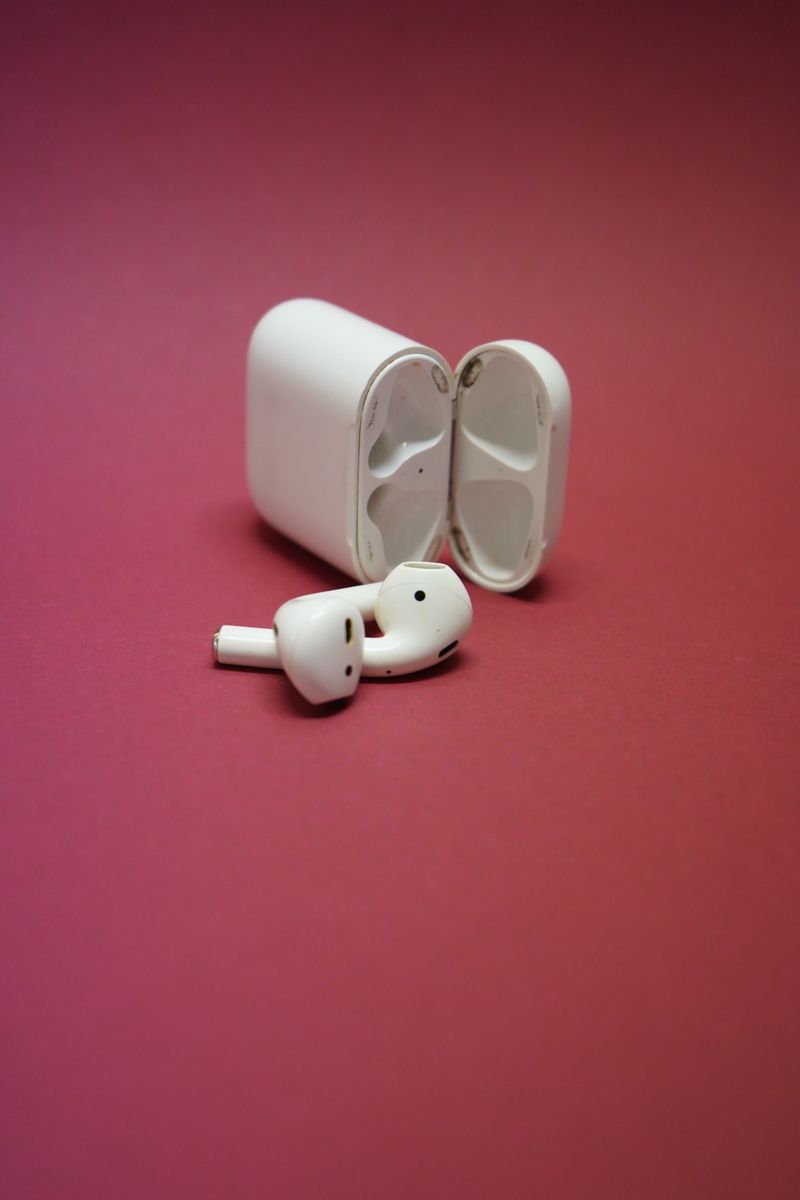
Bluetooth connection problems usually come down to a few simple causes. Work through these steps in order and you'll fix most pairing failures in under five minutes.
Start with the basics
Turn the headphones fully off and on, and toggle your phone's Bluetooth off and back on. This clears the most common temporary glitches. If that fails, forget the device in your phone's Bluetooth settings and pair from scratch.
Check what they're connected to
Bluetooth headphones often auto-connect to the last device they saw. If they're already paired to your laptop, they won't connect to your phone. Turn off Bluetooth on nearby devices, or disconnect the headphones there first.
The full reset
- Put the headphones in pairing mode (usually hold the power button longer)
- Clear the device from your phone and re-pair
- Reset the headphones to factory settings if the manual describes one
Check for interference
Dense areas with many Bluetooth devices, Wi-Fi routers, and USB 3.0 hubs can interfere with the signal. Move away from the clutter and try again before assuming the headphones are broken.
If none of this works on multiple devices, the headphones' radio has likely failed, and it's usually not worth repairing a budget pair.