How to Wipe a Hard Drive Completely
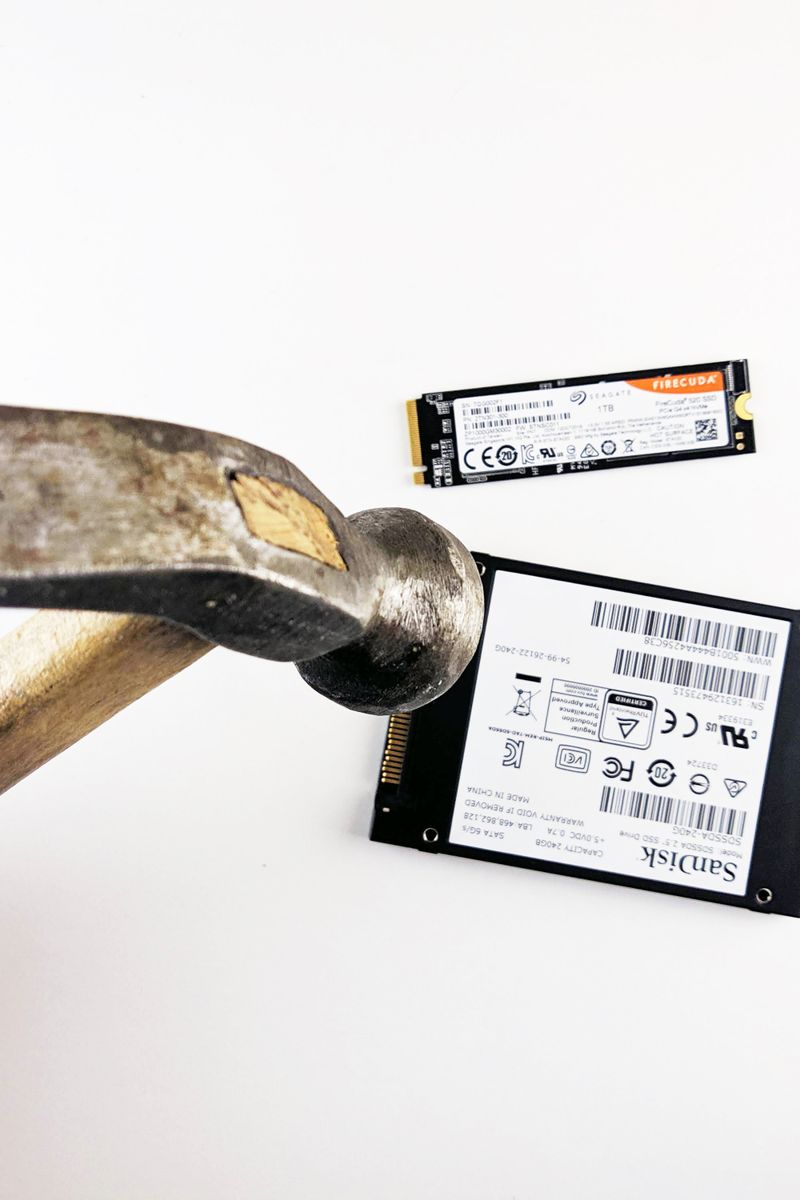
Deleting files doesn't erase them; it just marks the space as free, so the data can be recovered. Before selling or disposing of a drive, you need to actually overwrite the data.
Why a simple delete isn't enough
When you delete a file, the drive keeps the data until something else overwrites it. Recovery software can often bring deleted files back, which matters when a drive leaves your hands.
How to wipe securely
- Use a secure erase tool that overwrites every sector
- A single full overwrite is enough for most drives
- SSDs have a built-in secure erase command
For hard drives, a tool that writes over the entire drive once makes recovery impractical. For SSDs, use the manufacturer's secure erase feature, since SSDs handle overwrites differently.
What to do
Back up anything you want to keep, then run a secure erase. For SSDs, use the built-in secure erase. Only then is a drive safe to sell, donate, or recycle.
Always securely wipe a drive before it leaves your possession. A single overwrite is enough for most people, and it's the difference between recycling a drive and leaking your data.