SSD vs HDD: Which Storage Is Right for You?
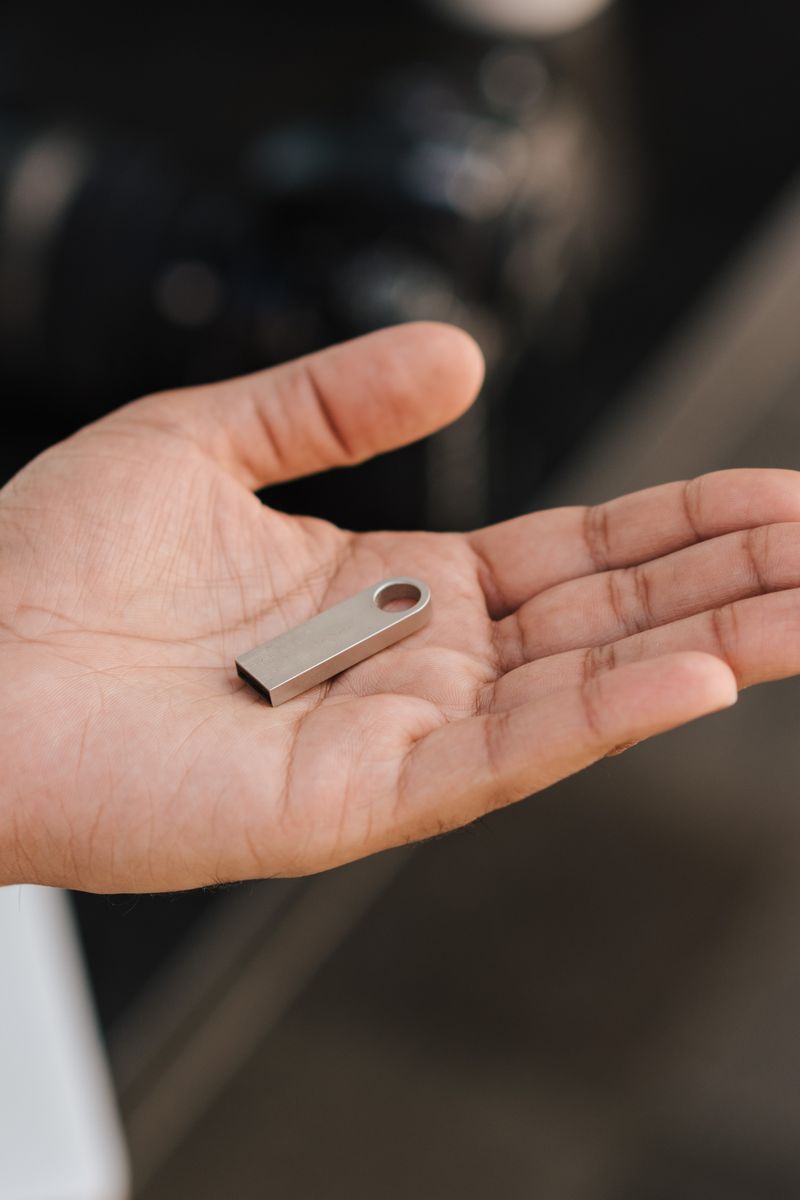
SSDs are faster and more durable; HDDs are cheaper per gigabyte. The decision comes down to whether you value speed or capacity, and most setups need one of each.
Speed: SSD wins by a mile
An SSD reads and writes data with no moving parts, so a computer with an SSD boots in seconds and opens apps instantly. An HDD spins a physical platter, which is why it's slower and noisier. Upgrading an old computer from HDD to SSD is the single most dramatic performance improvement you can make.
Price: HDD wins for bulk storage
Hard drives still cost roughly a quarter as much per gigabyte. For archiving huge amounts of data — video libraries, backups, old projects — an HDD gives you terabytes for the price of a modest SSD.
Where each belongs
- SSD for your operating system, apps, and active files
- HDD for long-term archives and large backups
- SSD for anything portable or frequently moved
Reliability differs too. An SSD has no moving parts, so it tolerates bumps and drops. An HDD is fragile while running and can be ruined by a drop, but it's better for cold storage that sits on a shelf unpowered for years.
The short version
Use an SSD for speed and anything that moves, and an HDD for cheap bulk storage that sits still. If you can only afford one drive, make it an SSD — the daily speed difference outweighs the lost capacity for almost everyone.