How to Choose a USB-C Cable That Won't Break
USB-C cables look identical but range from charging-only cables that can't move data to full-speed cables that handle a 4K monitor. Picking wrong means slow charging, failed transfers, or a cable that frays in months.
Charging speed is set by the cable
A cable's wattage rating is separate from the charger. Many cables max out at 60W, which is fine for phones but will slow down a 100W laptop. If you charge a laptop, buy a 100W-rated cable.
The certification that matters is the USB-IF logo or a brand with a stated wattage rating. Uncertified cables often misreport their capability, which is how you get a phone that says 'fast charging' but charges at half speed.
Data speed: the hidden spec
- USB 2.0 cables: 480 Mbps, fine for charging, slow for file transfers
- USB 3.2 cables: 5 to 20 Gbps, needed for external drives and monitors
- Thunderbolt cables: 40 Gbps, for docks and high-res displays
If you only charge your phone, a USB 2.0 cable is fine and cheap. If you connect an SSD, a hub, or a monitor, you need USB 3.2 or Thunderbolt, and those cables are thicker and cost more for a reason.
Durability
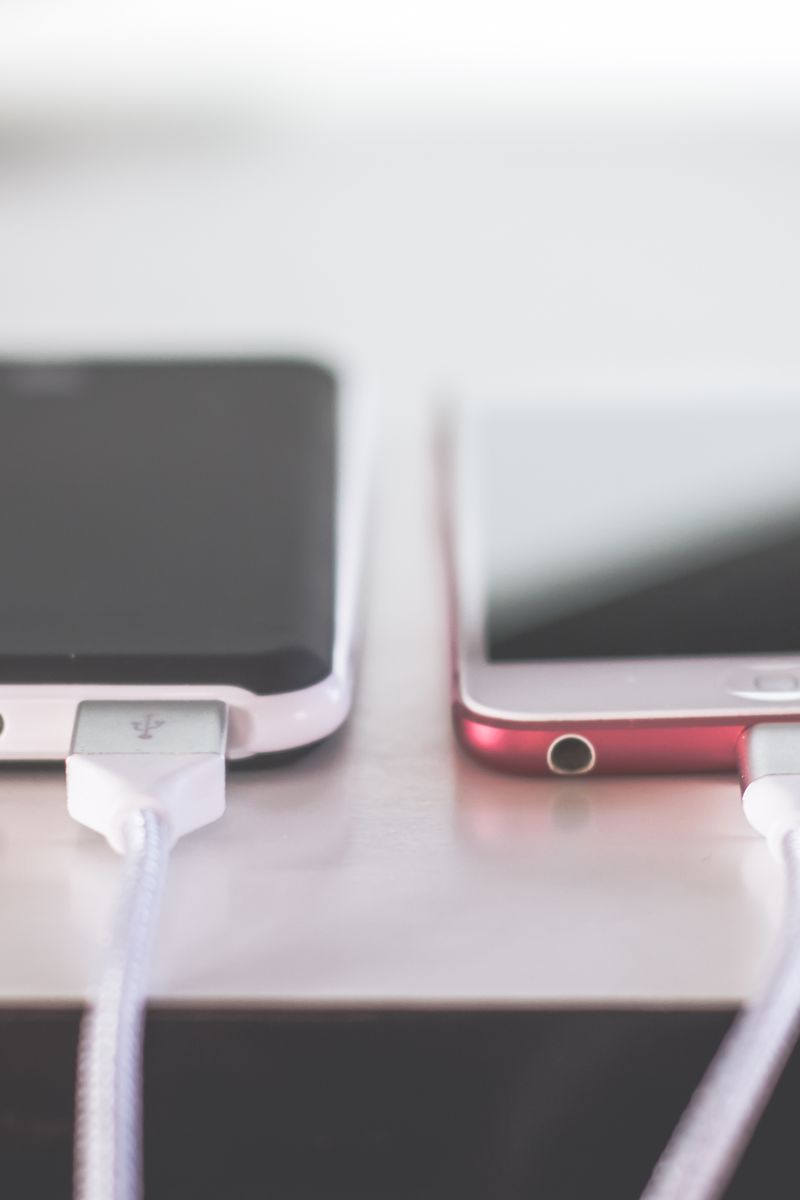
Cables fail at the connector, not the middle. Look for reinforced strain relief — the flexible boot where the cable meets the plug — and a braided jacket if you toss it in bags. A cable that survives a bend test will outlast three that don't.
Buy two good 100W cables instead of five $3 cables. The cheap ones charge slowly from day one and stop working entirely within a year.