What Is RAID Storage and Do You Need It at Home?
For most people storing photos, games, and documents at home, RAID is overkill. A single 1 TB or 2 TB NVMe SSD plus a separate backup drive gives you better speed and safer data for less money than a multi-drive array. RAID matters when you need a machine to keep running, and data to stay available, while a drive fails.
What RAID actually does
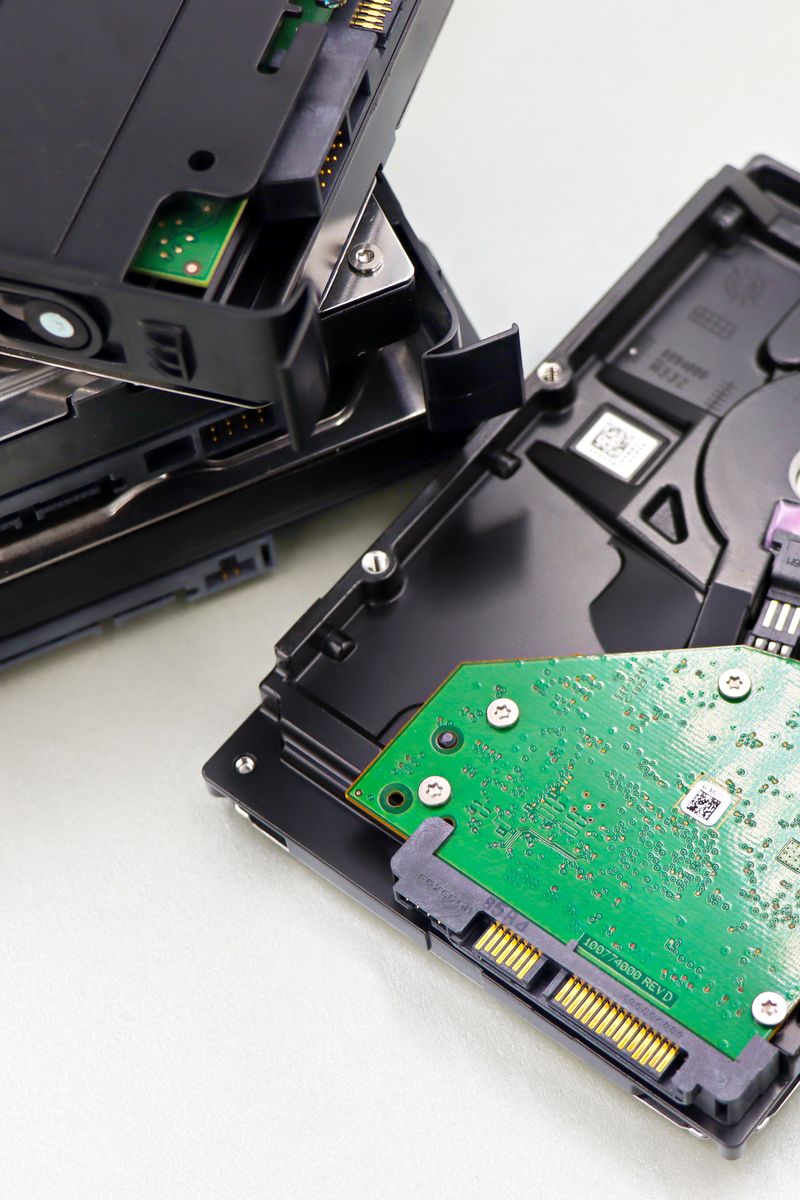
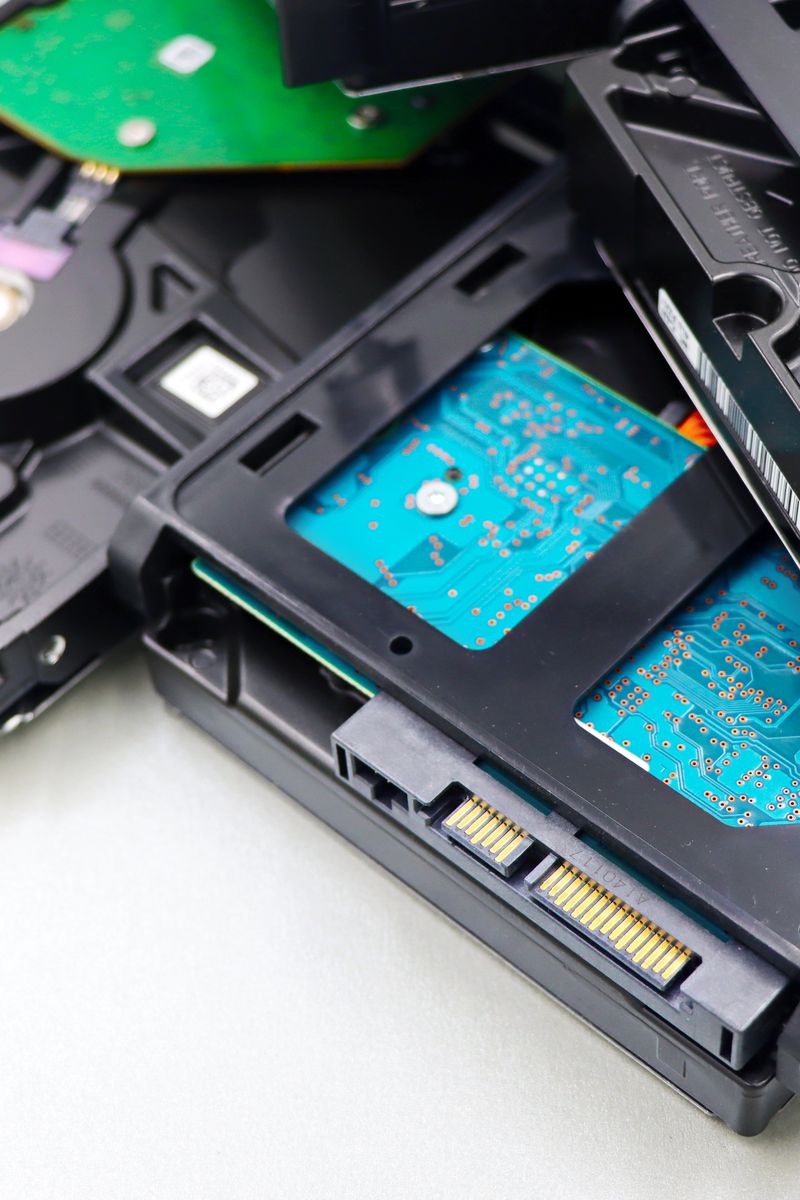
RAID, short for Redundant Array of Independent Disks, lets an operating system treat several physical drives as one volume. It either spreads data across drives to gain speed, or writes copies of that data so a single drive failure costs you nothing. The common levels differ by what they trade away.
- RAID 0 stripes data across two or more drives for roughly double the throughput, but one failed drive destroys the whole array
- RAID 1 mirrors every write onto a second drive, so a single failure loses nothing, at the cost of half your total capacity
- RAID 5 and RAID 6 scatter parity blocks across three or more drives to survive one or two failures while keeping most of the space
One thing RAID does not do is back up your data. Mirroring and parity protect against a drive dying, but not against a deleted file, ransomware, a power surge, or a dropped enclosure. For a home setup, spend on one fast SSD for your main machine plus a separate external or cloud backup, and add RAID only if you run a NAS or edit large video files, where the extra bay and the uptime are worth the cost.