Why Your Phone Charges So Slowly (and How to Fix It)
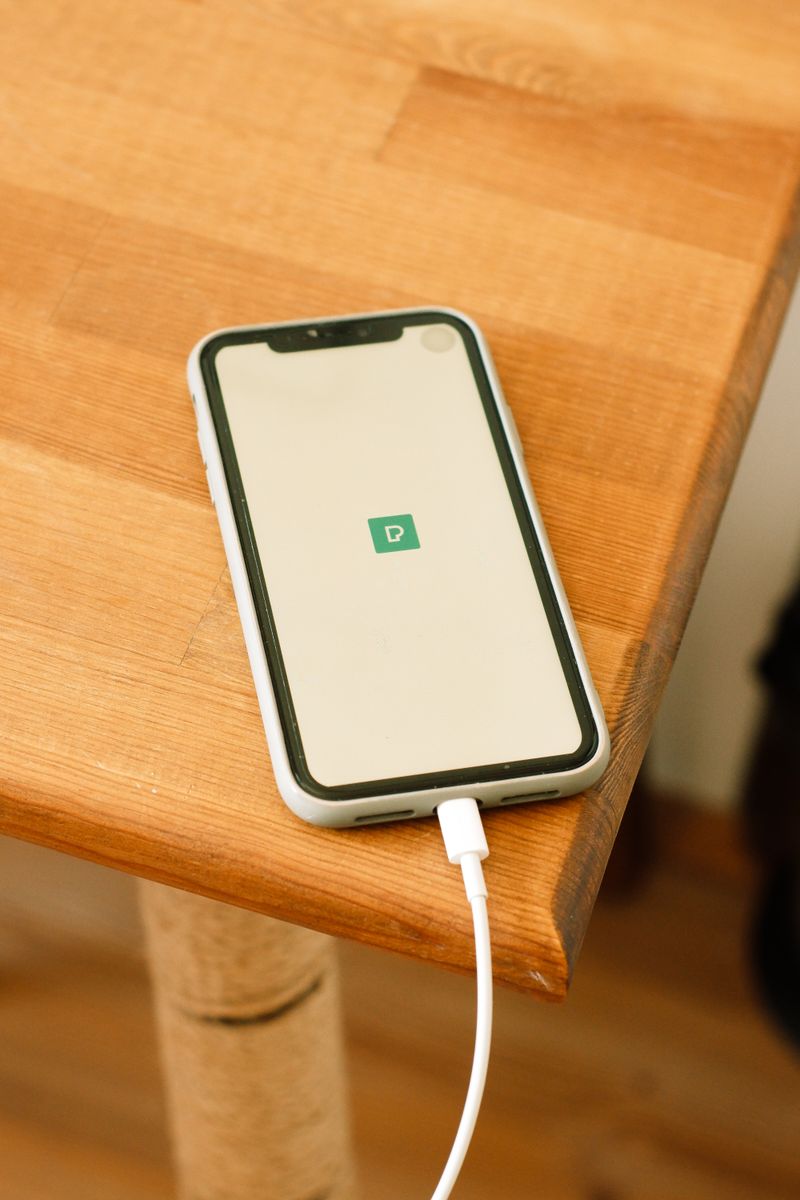
Slow charging is almost always caused by the charger, the cable, or heat, and rarely by the phone itself. Here's how to find the bottleneck and fix it.
Check the charger and cable
The most common cause is a low-wattage charger or a worn cable. Test with a known-good charger and cable. If charging speeds up, the old setup was the problem. A frayed or cheap cable can cut charging speed by half even when it looks fine.
Check the port
Lint packed into the charging port blocks the connection and slows charging. Clean it gently with a wooden toothpick or a dry brush. Avoid metal pins, which can damage the contacts.
Heat slows everything
Phones throttle charging when hot to protect the battery. Remove a thick case while charging, keep the phone out of direct sun, and avoid using it heavily while it charges.
- Close background apps and disable heavy features while charging
- Charge with the screen off when possible
- Use a charger that matches your phone's speed
Start with the cable and port. Those two fixes solve the majority of slow-charging complaints without spending anything.